340W 5.1CH Dolby Atmos Soundbar + Deep Bass Sub
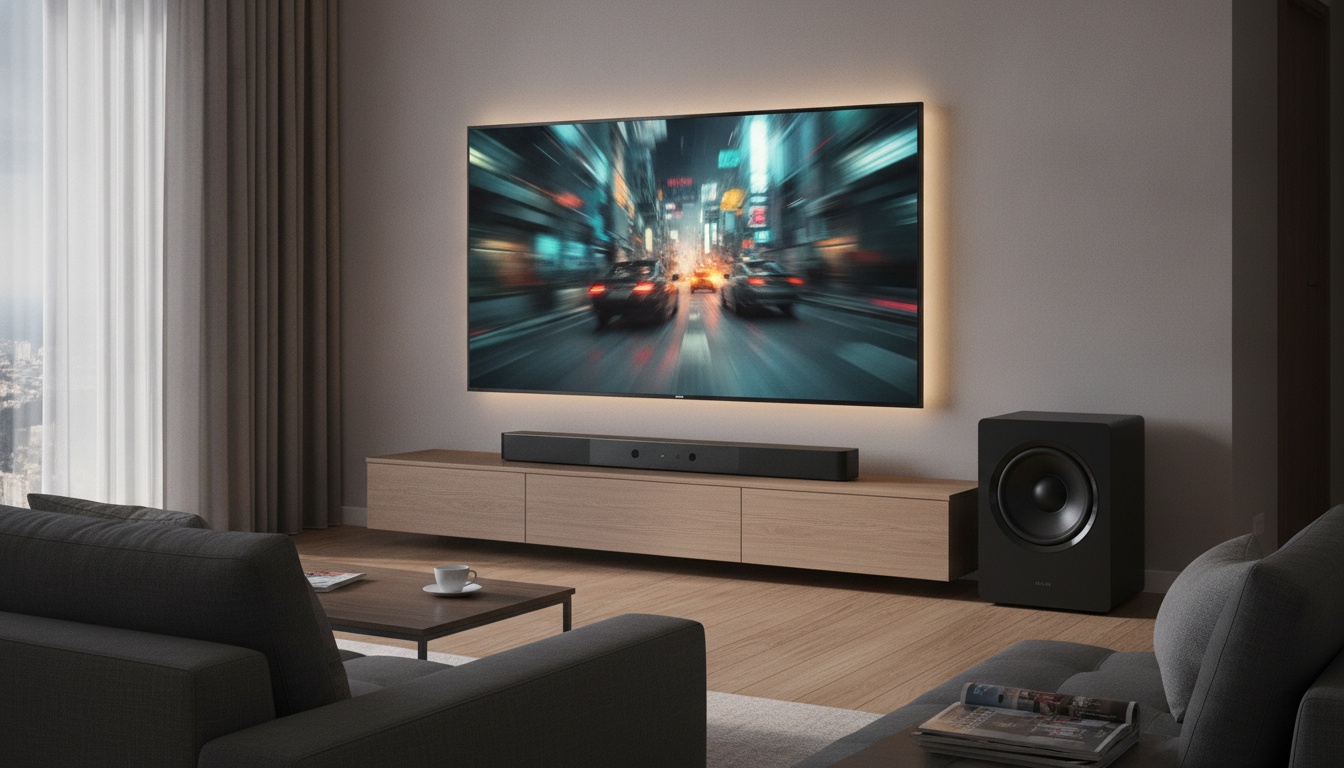
340W 5.1CH Sound Bar with Dolby Atmos and Deep Bass Subwoofer: A Practical Home Theater Upgrade
A 5.1-channel sound bar paired with a dedicated subwoofer can take everyday TV audio from “thin and hard to hear” to a more cinematic, room-filling presentation. With clearer dialogue, wider effects, and real low-end impact, a 340W-class system with Dolby Atmos support is a simple way to upgrade without committing to a full AV receiver and separate speakers. Below is what to expect, how to set it up for strong results, and what to double-check before buying or installing.
What a 5.1-channel sound bar system adds to TV speakers
Most built-in TV speakers struggle with dynamics, bass, and clarity—especially at normal listening levels. A 5.1-channel sound bar system is designed to create more separation between the sounds you care about and the sounds that tend to overwhelm them.
- Cleaner dialogue at everyday volumes: Better separation between voices, music, and effects helps speech stay intelligible without cranking volume.
- A wider, more “screen-sized” soundstage: Movies and sports feel less trapped inside the TV cabinet and more like they occupy space across the room.
- Surround processing without the full AVR setup: While it’s not the same as placing speakers around the room, surround decoding and processing can make ambience and effects feel more enveloping.
- A dedicated subwoofer for real low end: Explosions, kick drums, engine rumbles, and crowd noise gain weight that small TV drivers simply can’t reproduce cleanly.
Dolby Atmos: what it means in a sound bar setup
Dolby Atmos mixes audio with height information to create a more three-dimensional sound field—think overhead rain, aircraft movement, or taller, more layered ambience. With sound bars, Atmos results depend heavily on the room and on how the bar delivers Atmos playback (such as up-firing drivers, virtualization, or other processing).
- Room and seating matter: Ceiling height, ceiling material, and where you sit relative to the bar can change how convincing the “height” effect feels.
- Your playback chain must support it: Atmos typically requires compatible content and a supported path from your streaming device/player through the TV connection (often HDMI ARC/eARC).
- Non-Atmos content still benefits: Even when Atmos isn’t available, a good 5.1 sound bar can improve standard TV, cable, and stereo sources via surround decoding and sound modes.
For background reading on how Atmos works, see Dolby Atmos. For connection standards, reference HDMI ARC and eARC.
Core features to pay attention to before setup
Specs can look impressive on a product page, but everyday satisfaction often comes down to a few practical details that affect clarity, bass control, and ease of use.
Power and headroom
A 340W-class output rating can translate into more headroom during loud scenes, helping the system stay composed instead of sounding strained or harsh.
Center-channel performance
In most movie mixes, dialogue lives in the center. Strong center performance helps voices sound anchored to the screen and easier to understand.
Subwoofer integration
The “wow” factor is great, but the goal is bass that sounds tight and supportive, not boomy. Crossover behavior and level controls matter as much as subwoofer size.
Connectivity and control
HDMI ARC/eARC is usually the simplest daily connection, often enabling one-remote volume control through HDMI-CEC. Optical is a solid fallback for older TVs or finicky ARC setups.
Quick feature checklist for day-to-day use
| Feature | Why it matters | What to verify |
|---|---|---|
| HDMI ARC/eARC | Single-cable TV connection and easier control | TV ARC/eARC port and correct HDMI cable |
| Dolby Atmos support | More immersive height-enabled mixes when available | Source device/app supports Atmos output |
| Dedicated subwoofer | Deeper bass and more impact at lower distortion | Sub level control and placement options |
| 5.1-channel playback | Better separation and surround feel | Surround mode options and channel balance |
| 340W class output | More headroom for movies and larger rooms | Enough volume without dialogue becoming thin |
Placement tips for stronger surround and cleaner bass
Connection options and recommended setup order
Tuning for movies, sports, gaming, and late-night viewing
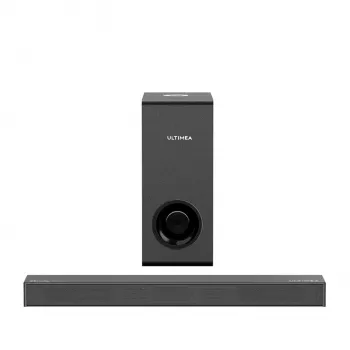
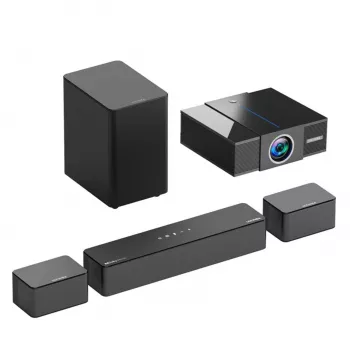
Product snapshot: 340W 5.1CH sound bar with Dolby Atmos and subwoofer
If the goal is a straightforward living-room upgrade with punchier bass and a more immersive presentation, the 340W 5.1CH Surround Sound Bar with Dolby Atmos and Deep Bass Subwoofer is built for that “bigger than TV speakers” jump. It’s a strong match for movie nights and streaming households that want multi-channel sound without the complexity of a full receiver-based system.
| Item | Detail |
|---|---|
| Model/Type | 340W 5.1CH Surround Sound Bar with Dolby Atmos and Deep Bass Subwoofer |
| Price | 429.32 USD |
| Availability | In stock |
| Product page | View product |
More in-stock picks
- Weatherproof Heated Motorcycle Jacket
- Deluxe Cat Climbing Tree & Claw Sharpener
- Luxury Plush Pet Cradle Bed: Deluxe Fleece & Velvet Sofa for Dogs & Cats
FAQ
Will Dolby Atmos work with any TV and streaming app?
No—Atmos requires compatible content and a supported playback chain (app/device settings plus the right HDMI routing, often via ARC/eARC). Check your TV’s audio output settings (bitstream/pass-through when appropriate) and confirm your streaming device/app is set to output Atmos when available.
Where should the subwoofer be placed for deep bass without boominess?
Start near the front wall close to the TV, then try a corner if you need more output. If bass gets boomy, move the subwoofer along the wall away from the corner and reduce the sub level until dialogue stays clear; avoid placing it inside closed cabinets.
Why is there a delay between the picture and the sound?
Common causes include TV video processing, ARC/eARC handshake issues, or streaming latency. Use the AV sync/lip-sync setting on the TV or sound bar, try a different HDMI cable/port, switch the TV to pass-through/bitstream, or test optical as a more stable fallback.














Leave a comment