Critical Thinking eBook: Smarter Decisions & Brain Teasers
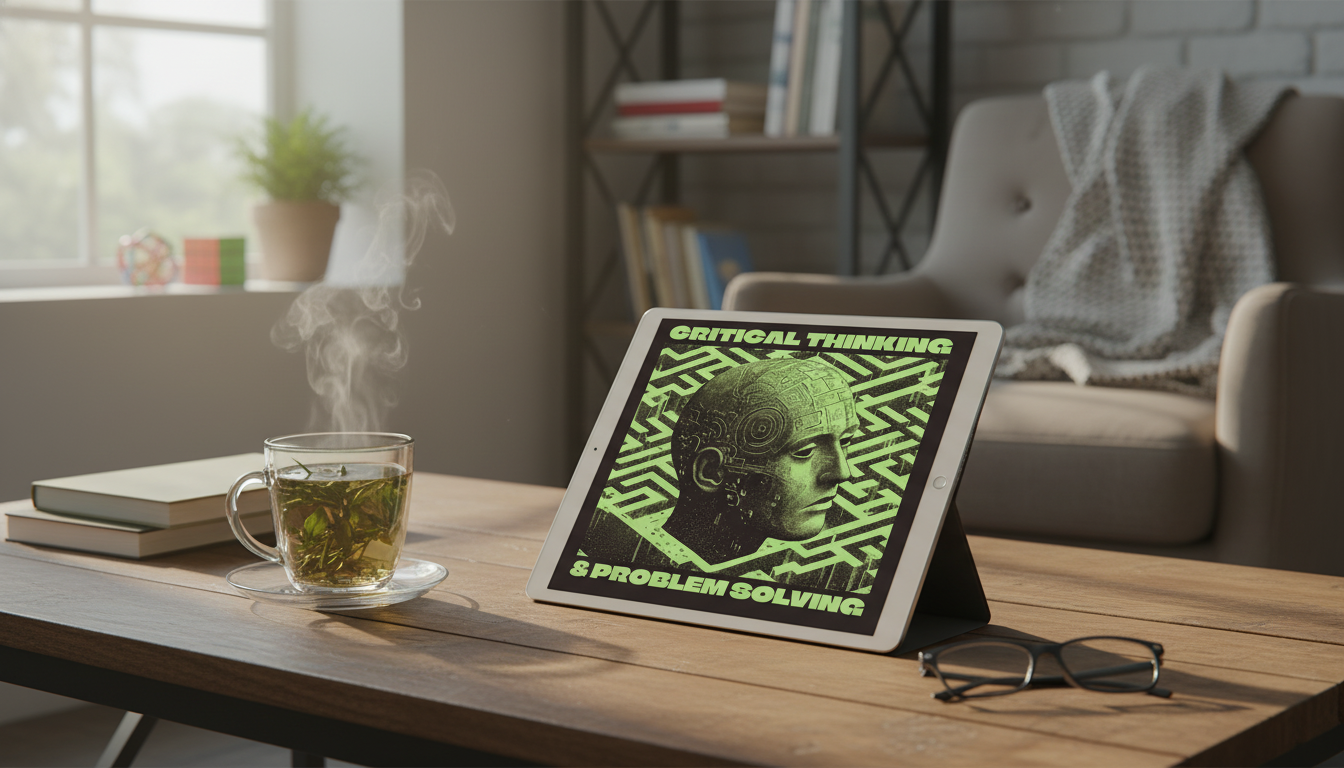
Critical Thinking & Problem Solving eBook (Digital Download): Build Better Decisions With Brain Teasers and Real-Life Tools
Clear thinking is a practical skill: it helps with everyday choices, work priorities, conversations, and long-term plans. This digital eBook focuses on decision-making habits that reduce bias, improve reasoning, and turn complex situations into manageable steps—supported by brain teasers and structured exercises designed to strengthen real-life problem solving.
Instead of trying to “be smarter” in the moment, the guide emphasizes repeatable routines: clarify what’s actually being decided, test assumptions before committing, and review outcomes without beating yourself up. For helpful background on what critical thinking includes (and why it matters beyond school), the Stanford Encyclopedia of Philosophy offers a clear overview. And for a fast explanation of one common thinking trap, see the APA definition of confirmation bias.
What this eBook helps improve
- Turning vague problems into clear problem statements with constraints, goals, and trade-offs
- Spotting common thinking traps (assumptions, overconfidence, confirmation bias) before they steer decisions
- Building a repeatable approach for decisions under time pressure or uncertainty
- Practicing logic and pattern recognition through brain teasers that translate into day-to-day reasoning
- Communicating reasoning more clearly—useful for work discussions, negotiations, and personal boundaries
Many “bad decisions” aren’t really about intelligence—they’re about unclear goals, missing constraints, or rushing past assumptions. A structured approach helps slow down the right parts of thinking, so action becomes simpler and less stressful.
What’s inside: skills, exercises, and practice formats
- Guided frameworks for breaking down messy situations into smaller, testable parts
- Brain teasers and logic challenges to train attention to detail and structured reasoning
- Decision tools for comparing options: criteria lists, weighted trade-offs, and second-order effects
- Reflection prompts to review outcomes and improve future choices without self-blame
- Short practice sessions suited for daily routines—commute, lunch breaks, or evening wind-down
Quick practice map: choose a tool by situation
| Situation | Practice tool | Outcome to look for |
|---|---|---|
| Too many options | Define 3–5 decision criteria | Fewer choices that match priorities |
| Unclear problem | Write a one-sentence problem statement + constraints | A solvable target instead of a vague worry |
| High emotion | Pause-and-label + short delay before deciding | Reduced impulsive choices |
| Disagreement with someone | Separate facts, assumptions, and values | More productive conversation and fewer circular arguments |
| Stuck in analysis | Set a timebox + “good enough” threshold | A decision made with acceptable risk |
A simple 5-step decision loop to use immediately
- Clarify the decision: what must be decided, by when, and what “success” means
- List options: include at least one creative or unconventional alternative
- Test assumptions: identify what must be true for each option to work
- Evaluate trade-offs: weigh impacts on time, money, relationships, health, and long-term goals
- Review and learn: after the outcome, note what signals were missed and what worked well
This loop is intentionally lightweight. The goal is to make “better thinking” easy enough to repeat—especially when a decision feels urgent. If you want a deeper look at how fast, intuitive thinking can mislead people (and how deliberate thinking can correct it), Thinking, Fast and Slow is a widely cited reference point.
Using brain teasers to build real-life problem solving
- Brain teasers strengthen pattern recognition, working memory, and the habit of checking for hidden constraints
- Logic puzzles encourage step-by-step reasoning instead of relying on first impressions
- Timed challenges can train calm focus under pressure—useful for interviews, exams, and tense conversations
- The most valuable practice is the “post-solve review”: explain the reasoning path, not just the answer
- Rotate difficulty: mix easy wins (confidence) with harder puzzles (growth) to keep consistency
The real win isn’t becoming a puzzle champion—it’s building a reliable internal checklist. Over time, that shows up as fewer “Wait, why did I agree to that?” moments, cleaner boundaries, and better trade-offs.
Who this digital download fits best
- Students who want stronger reasoning for essays, exams, and project planning
- Professionals who make frequent trade-off decisions and need clearer thinking under deadlines
- Creators and entrepreneurs balancing ideas, constraints, and execution priorities
- Anyone building life skills: budgeting choices, conflict resolution, and long-term habit changes
- Gift-givers looking for a practical, skill-building download instead of a one-time novelty
Digital download tips: get the most value from the guide
- Set a lightweight schedule: 10–15 minutes, 3–4 times per week beats occasional long sessions
- Keep a “decision log” for one month: decision, reasons, risks, result, and lesson learned
- Pair one brain teaser session with one real-life application (email, budget item, meeting choice)
- Use checklists: a short pre-decision checklist can prevent repeated mistakes
- Revisit earlier exercises after a few weeks to measure improvement in speed and clarity
Product details and what to expect
Featured digital download and helpful add-ons
- Critical Thinking & Problem Solving eBook – Digital Download Guide for Smarter Decision Making, Brain Teasers & Life Skills Ebook
- Bamboo Breakfast Tray with Folding Legs for Sofa Bed, Adjustable Serving Laptop Desk (a comfortable surface for short daily practice sessions)
- Modern Nightstand with Storage – 2 Fabric Drawers, Wood Top, Steel Frame (keep notebooks, a decision log, and daily essentials organized)
FAQ
Is this eBook suitable for beginners who feel “not logical”?
Yes. The exercises build skills gradually using simple frameworks and guided prompts, and the brain teasers can be approached at an easy pace—consistency matters more than speed.
How long does it take to notice improvement in decision making?
Many people notice clearer thinking within a few weeks when practicing 10–15 minutes several times per week. Keeping a basic decision log can make progress easier to see because it highlights patterns and repeat mistakes.
How does a digital download work after purchase?
After purchase, you receive access to download the file(s) so you can save them to your device. You can then read and use the exercises on your preferred screen whenever it’s convenient.















Leave a comment